Continue slight right vector icons download free

4 continue slight right icons download SVG PNG. Professionally designed high quality vector icons download free

Discover 4 Continue slight right icons in SVG and PNG formats, crafted for clarity and flexibility in modern design projects.

Sort by

Premium vectors from Shutterstock

A simple black wavy arrow pointing to the right and slightly downwards on a white background. A minimalist black and white illustration featuring a single, continuous line that forms four hearts. The hearts are arranged horizontally and increase in size from left to right. Each heart shape is created with a loop at the top center. The entire line starts with a slight curve on the left and ends with a slight curve on the right, all set against a plain white background. A minimalist illustration in continuous black line art depicts baking utensils. On the left, a whisk is shown next to a rolling pin and a jar. On the right, a similar arrangement features a whisk, rolling pin, and jar, with slight variations in their placement and angle. The background is plain white. A dark blue, slightly curved or wavy arrow pointing towards the right, symbolizing direction, progress, or movement. The image is isolated on a pure white background, making it suitable for web design "24" in a vibrant, saturated red, with the "hours" text positioned subtly to the right and slightly above. Intersecting this red numeral is a crisp, stylized white arrow, boldly emblazoned with the word "SERVICE" in red text, A repeating, seamless pattern of stylized red flame shapes on a plain white background. The small, identical shapes are tightly arranged in a grid-like structure, with each flame pointing upward and slightly to the right. The pattern creates a sense of continuous flow across the image. A clean and minimalist vector illustration featuring a set of three distinct right-pointing chevron arrow designs. The first arrow consists of three thin, parallel black chevrons, suggesting movement or progression. The second arrow displays three slightly thicker, solid black chevrons, offering a more pronounced sense of direction. The third design is a longer, continuous arrow formed by multiple thick, solid black chevrons, emphasizing speed, advancement, or a next action. All arrows are rendered in solid black against a pristine white background, providing high contrast and versatility for various digital and print applications, such as user interfaces, navigation icons, or infographic elements. White arrow pointing to the right on a purple circle with a slight shadow, creating a simple yet effective visual representation of direction and movement White arrow pointing to the right placed on a green circle with a slight shadow on a white background, ideal for indicating direction or progress White arrow pointing to the right placed on an orange circle with a slight shadow on a white background, perfect for indicating direction or movement

Premium vectors from Shutterstock

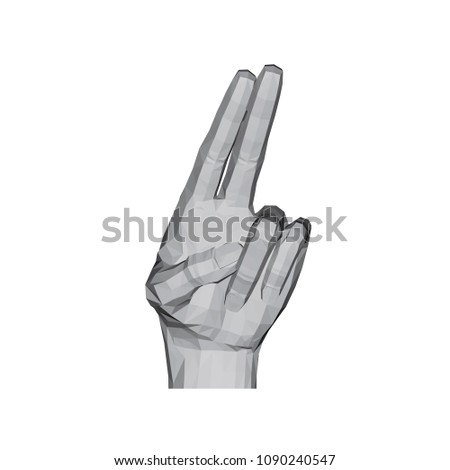
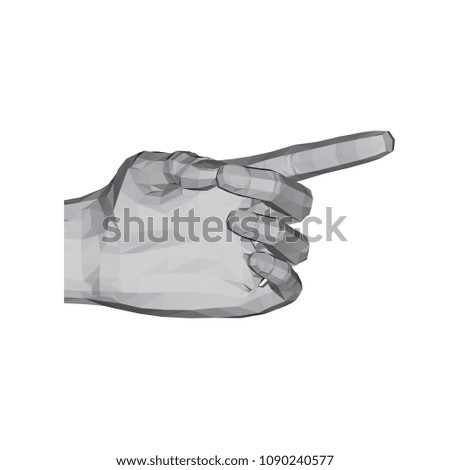
White arrow pointing right on a light blue round button with a slight shadow, perfect for web design, user interfaces, and other digital applications Striped pattern, consisting mainly of small triangles positioned alternately, slightly to the left or to the right. Monochrome decorative graphics. 3D polygonal hand. The index and middle fingers together show up and slightly to the right. Vector illustration. 3D polygonal hand. The index finger of the hand shows to the right and slightly upward. Vector illustration. Seamless abstract pattern with arrows on button. Seamless abstract pattern with arrows on button.

About the Continue slight right Icon Collection, SVG & PNG Formats, and Creative Use


This Continue slight right icon hub brings together a wide range of professionally designed vector icons suitable for websites, mobile apps, user interfaces, presentations, and branding materials. All icons are available in SVG and PNG formats, giving you the freedom to choose between scalable vector graphics for responsive and print-ready designs, or ready-to-use raster images for quick digital integration.

SVG icons are fully scalable and maintain perfect sharpness at any size, making them ideal for high-resolution displays, large banners, and adaptable layouts. PNG icons are pixel-based and work best for fixed-size use cases such as UI elements, previews, or web content where resizing is minimal. Both formats are compatible with popular design tools like Adobe Illustrator, Figma, Sketch, Canva, and Photoshop.